
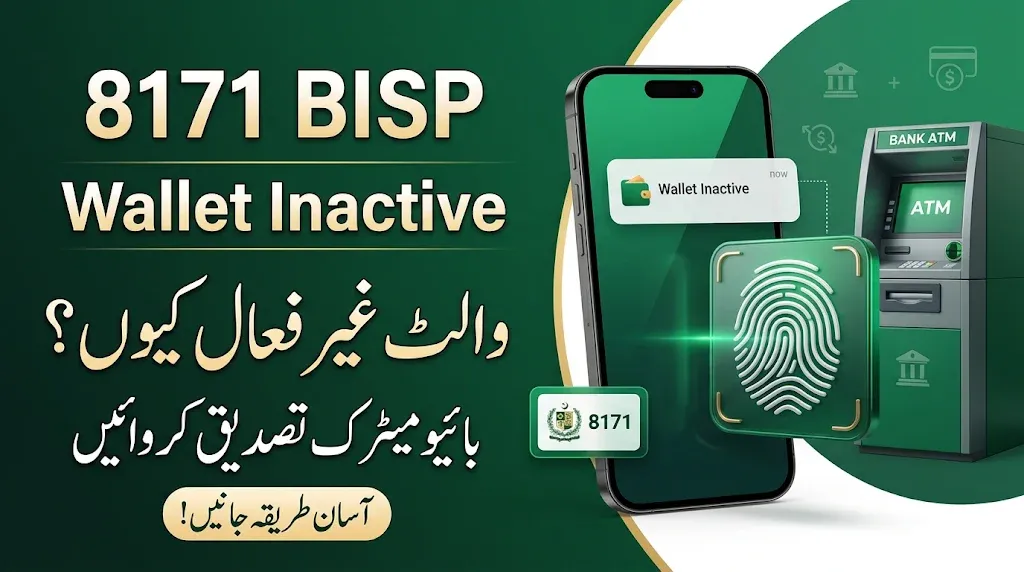
Are you checking your BISP payment through the 8171 service and seeing the message “Wallet Inactive”? If so, you may be unable to receive your Benazir Income Support Programme payment until the issue is resolved. This message indicates that the wallet linked to your payment is not showing as active in the system. According to the information provided for this issue, beneficiaries should visit the relevant bank branch or ATM to complete biometric verification. In this article, we explain what Wallet Inactive means and what steps you can take to resolve the issue.
Read Also: BISP Error Code 153 (Incorrect WalletID): Causes and Possible Solution
What Does 8171 Wallet Inactive Mean?
The message Wallet Inactive means that the wallet associated with your BISP payment is currently showing an inactive status.
Because of this status, you may face difficulty receiving your payment. However, the message alone does not identify the exact reason why your wallet has become inactive.
One recommended step is to complete biometric verification through the relevant bank.
اگر آپ 8171 پر اپنا BISP ادائیگی کا اسٹیٹس چیک کرتے ہیں اور وہاں Wallet Inactive کا پیغام ظاہر ہو رہا ہے تو پریشان نہ ہوں۔ اس مسئلے کی وجہ سے آپ کو اپنی رقم وصول کرنے میں مشکل پیش آ سکتی ہے۔ فراہم کردہ معلومات کے مطابق، اس مسئلے کے حل کے لیے متعلقہ بینک کی برانچ یا ATM سے بائیومیٹرک تصدیق کروانے کا مشورہ دیا گیا ہے۔ تصدیق مکمل ہونے کے بعد بینک عملے سے اپنے والٹ کا اسٹیٹس بھی ضرور چیک کروائیں۔ اس آرٹیکل میں ہم آپ کو Wallet Inactive مسئلے کی ممکنہ وجہ اور اسے حل کرنے کا طریقہ آسان الفاظ میں بتائیں گے۔
How to Solve the BISP Wallet Inactive Problem?
If your 8171 status shows Wallet Inactive, follow these steps:
1. Visit the Relevant Bank Branch
First, visit the bank branch associated with your BISP payment. Take your original CNIC with you so the bank staff can check your details.
Explain that your 8171 payment status is showing Wallet Inactive and ask for assistance with biometric verification.
2. Complete Biometric Verification
Ask the bank staff to guide you through the biometric verification process. Your fingerprints may be checked to verify your identity.
Make sure the verification is completed correctly and ask the staff whether your wallet status has been updated.
3. Visit an ATM if the Bank Advises You
According to the provided guidance, biometric verification may also be completed through the relevant bank’s ATM.
Use an ATM only if it supports the required verification service. If you are unsure, ask bank staff for instructions before proceeding.
4. Check Your 8171 Status Again
After completing the verification process, check your BISP status again. If the wallet still shows inactive, contact the relevant bank or visit the BISP office to ask whether any further action is required.
Keep your CNIC and any transaction or verification receipt with you.
Read Also: 8171 BISP Error Code 99 Solution – New SIM Tagging and Cash Withdrawal Guide
BISP Wallet Inactive: Important Information
| Details | Information |
|---|---|
| Programme | Benazir Income Support Programme |
| Status Message | Wallet Inactive |
| Main Issue | Wallet showing inactive status |
| Suggested Solution | Biometric verification |
| Where to Visit | Relevant bank branch |
| Alternative | Supported bank ATM |
| Required Document | Original CNIC |
Important Instructions for BISP Beneficiaries
If you are facing the Wallet Inactive issue, remember these important points:
- Carry your original CNIC when visiting the bank.
- Complete biometric verification only through an authorized bank service.
- Ask bank staff to confirm whether your wallet is active after verification.
- Do not share your ATM PIN, OTP, or banking password with anyone.
- Never pay an agent who promises to activate your wallet.
- If the problem continues, contact the relevant bank or BISP office for further guidance.
Frequently Asked Questions (FAQs)
1. What does Wallet Inactive mean in the 8171 status?
It means that the wallet associated with your BISP payment is showing an inactive status in the system. You may need to contact the relevant bank to check the issue.
2. How can I solve the BISP Wallet Inactive problem?
According to the provided guidance, visit the relevant bank branch or a supported ATM and ask about completing biometric verification.
3. Can I complete biometric verification at an ATM?
You may be able to do so if the relevant bank provides biometric verification through its ATM. Confirm this with the bank before proceeding.
4. What documents should I take to the bank?
Carry your original CNIC and any payment-related information or receipt you have.
5. What should I do if my wallet remains inactive after biometric verification?
If your status does not change, visit the relevant bank branch or BISP office and ask them to check your payment and wallet records.
Read Also: 8171 BISP Error Code 10 (SPW Wallet Not Found) – Complete Solution Guide
Final Words
The 8171 Wallet Inactive message can cause difficulties for BISP beneficiaries who are waiting to receive their payments. The suggested solution is to visit the relevant bank branch or a supported ATM and complete biometric verification. After verification, ask the bank staff to confirm your wallet status. If the issue continues, seek further assistance from the bank or BISP office. Always follow instructions from authorized representatives and protect your personal banking information.


1 thought on “8171 Status Wallet Inactive: How to Solve This Problem?”